How to Check a PCG Slab's Cert and Population Report
By Mitchell Taljaard · · Updated
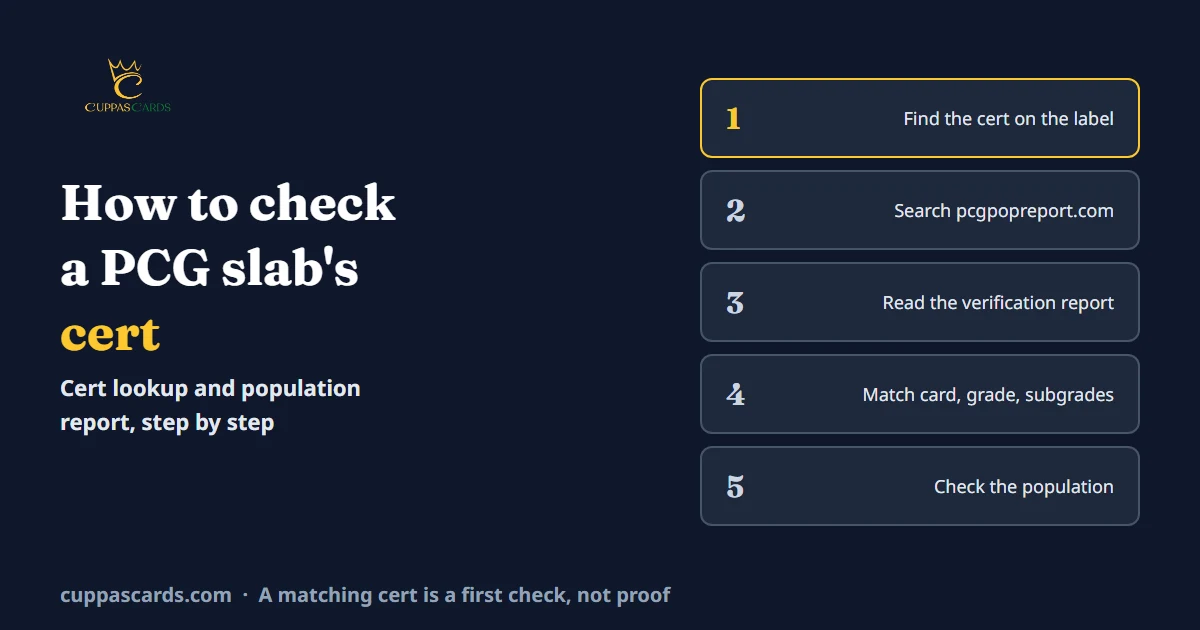
Every PCG slab has a certificate number, and PCG publishes a report for each one. Checking it is the first thing to do before you buy a PCG slab. It's also how you look up your own slabs when they come back.
We're Cuppas Cards, a PCG submission service for South African Pokémon collectors. We don't grade cards ourselves: PCG (Premier Card Grading) assigns every grade. The cert and population details below come from PCG's population report site, checked on 19 October 2026.
Where do you check a PCG cert?
Use PCG's population report. The site is headed "Cert Lookup & Pop Search", and one search box takes a cert number, a card name or a set name.
PCG's app also offers the population report (PCG FAQ). This guide uses the website at pcgpopreport.com.
Step 1: Find the cert number on the slab
The certificate number is printed on the slab's label. It's a long number, such as 000374689.
Copy it exactly, including any leading zeros. If you're buying online, ask the seller for a clear photo of the label so you can read the number yourself.
Step 2: Search the number
Type the cert number into the search box on pcgpopreport.com. Open the matching result to see its verification report.
Each report has its own page. For cert 000374689, it's pcgpopreport.com/report/000374689.
If the number returns nothing, stop there. A slab whose number isn't in PCG's database is a slab you shouldn't buy.
Step 3: Read the verification report
The report is headed "Verification Report for Certification" and shows three things:
- Card details: the game, set, card name, card number and finish, such as Alternate Art
- Grade: the final grade and its name, such as 10 Pristine, plus the four subgrades for centering, corners, edges and surface
- The card: images of the card's front and back
Here's what cert 000374689 showed on 19 October 2026:
| Field | Report shows |
|---|---|
| Card | Charizard ex, 349/190, Alternate Art |
| Set | S&V: Shiny Treasure ex |
| Grade | 10 Pristine |
| Subgrades | Centering 10, corners 10, edges 10, surface 9.5 |
Step 4: Match the report to the slab
Check every field against the slab in front of you:
- The card. Name, set and number on the report should match the card inside the slab.
- The grade. The grade and its name should match the label.
- The subgrades. On PCG Standard-tier slabs, all four subgrades are printed on the label (PCG FAQ). They should match the report exactly.
- The images. Compare the report's front and back images with the card in the slab.
On PCG's Player's Slab, the card details are on the back of the slab instead (PCG). If any field differs from the slab, don't buy it.
A full match is a good first check, but it isn't proof on its own. Scammers copy real cert numbers from genuine slabs onto fake labels (Misprint, July 2026). Our guide to buying graded slabs covers the other checks, including the case itself.
Step 5: Check the card's population
Click the card name on the report to open that card's population page. It shows how many copies PCG has graded at each grade, split by finish.
For Charizard ex 349/190 from S&V: Shiny Treasure ex, the page listed 23 graded copies on 19 October 2026:
| Grade | Copies |
|---|---|
| Flawless 10 (Quad) | 1 |
| Pristine 10 | 3 |
| Gem Mint 10 | 7 |
| 9.5 | 9 |
| 9 | 2 |
| 8.5 | 1 |
Below that table, the page lists every graded copy with its cert number, final grade and all four subgrades. That makes it a useful second check. The slab you're looking at should appear in the list with the same grade and subgrades.
What does the population number tell you?
The population is how many copies of a card PCG has graded at each grade. A low number at the top grade means few copies have reached it at PCG.
Keep three limits in mind:
- It counts PCG slabs only. Copies graded by PSA, CGC or others aren't included.
- It changes. Each new submission can add to the count.
- It doesn't set a price. The population shows how many copies PCG has graded, not what buyers will pay.
For scale, PCG's site showed 408,858 cards graded across all games on 19 October 2026, including 178,102 Pokémon cards. Of all those cards, 2,741 had reached Flawless 10, which the site calls Quad 10.
Our guide to what card grades mean explains PCG's three 10s and how they compare with other graders.
Frequently asked questions
Can I search PCG's population report by card name?
Yes. The same search box takes a cert number, a card name or a set name, and lists matching graded slabs.
Does a valid cert number mean a PCG slab is real?
No. It's the first check, not the last. Fake slabs can carry a real cert number copied from a genuine slab, so the card, label, images and case all need to match.
Can I check the subgrades of other copies of my card?
Yes. The card's population page lists every copy PCG has graded, with its cert number, final grade and four subgrades.
Where can I learn more about PCG?
Our guide to what PCG is covers who PCG is, its grading scale and its services.
Grading your own cards
When your slabs come back from PCG, you can look each one up the same way. To get started, read our step-by-step grading guide or submit your cards for PCG grading.
Figures from PCG's population report, 19 October 2026.